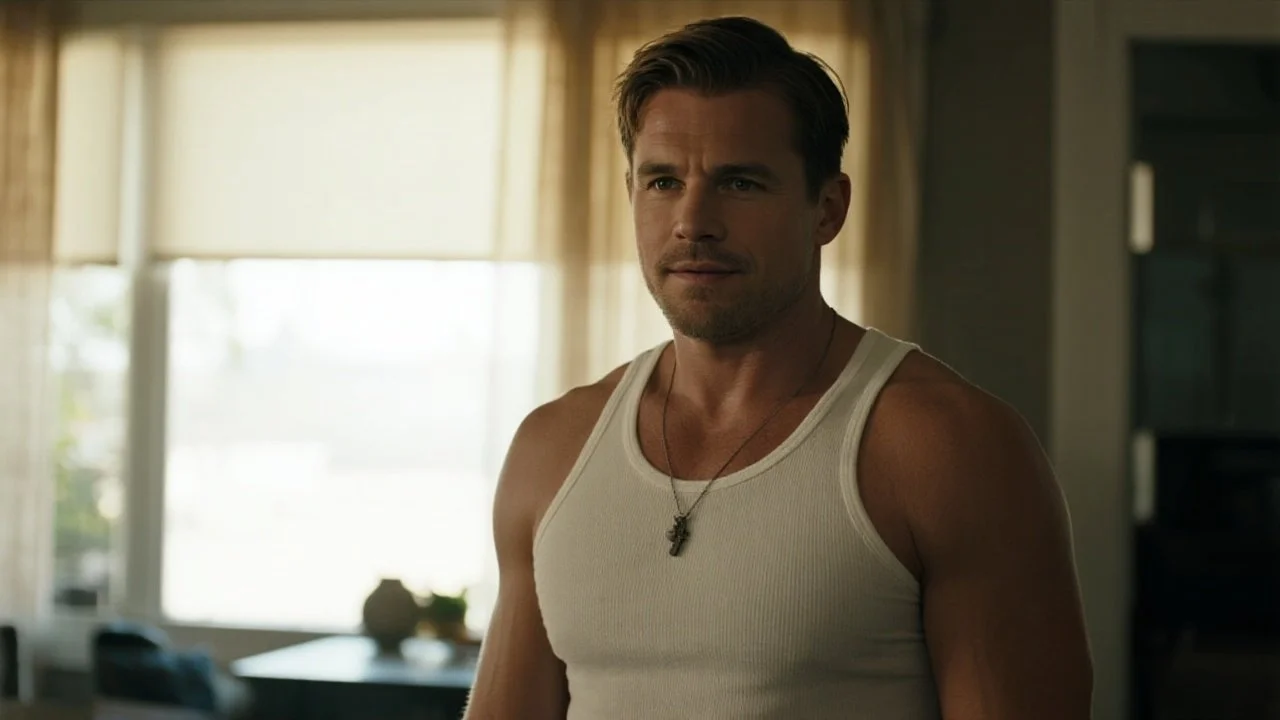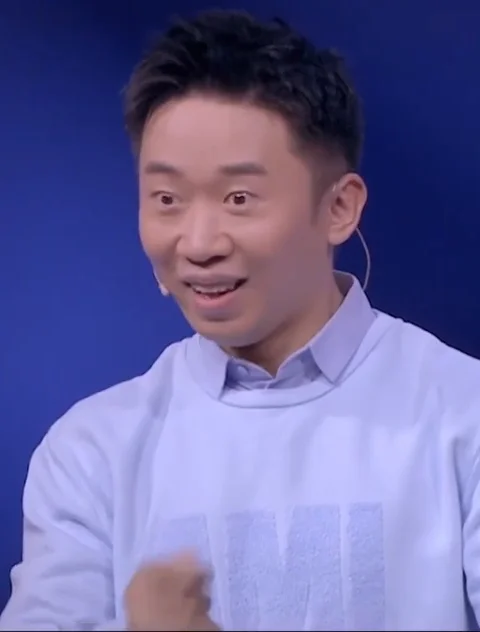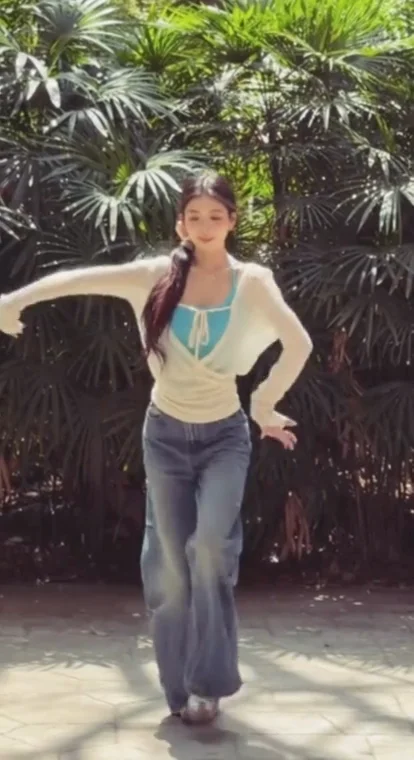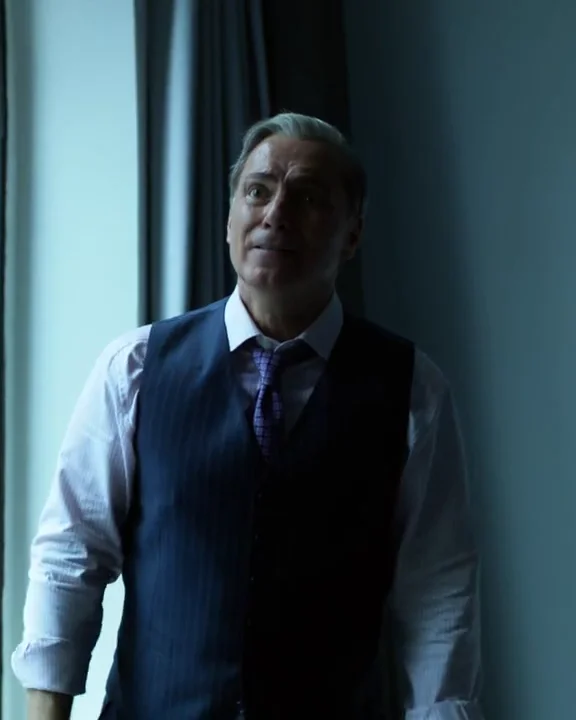
All templates

Your own video

Replace a person

Your clip. A different character.

Video character replacement uses your original clip as the performance reference and one photo as the new person reference. Bring your own scene when its movement, setting and timing matter more than choosing a preset.

Inputs
Original video + person photo
Duration
2–30-second source
Before starting
Review and confirm the credit quote
Replace a person

Your uploads and results stay in your private library.

Share first-video feedback

What this tool does

Keep the performance

  • The original scene and broad performance timeline.
  • The source clip’s framing and camera movement.

Bring in a new person

  • The main person’s appearance using the face and outfit in your reference photo.

Before you create

Choose your photo

  • Choose a short clip with one clearly visible main person.
  • Use a sharp photo with a similar body framing to the video.
  • Upload H.264 MP4 and a JPG, PNG or WebP person photo, then inspect the credit quote before confirming.

Know the limits

  • Crossing people, occlusion and fast motion can reduce consistency.
  • This replaces a character; it does not write a script, create a new song or independently direct multiple people.

Read the creation guide

Questions about replace a person

What is the difference between this tool and a scene template?

This tool uses your own original video plus a person photo. A scene template includes the original video, so you only add the person photo. Both use the same replacement workflow and private library.

Can I replace several people independently?

The current workflow uses one person reference for the main character. It does not offer separate identity mapping for several people.

Does uploading start generation?

No. Uploading prepares the files and credit quote. Generation starts only after you review and confirm the credits.