 Motion
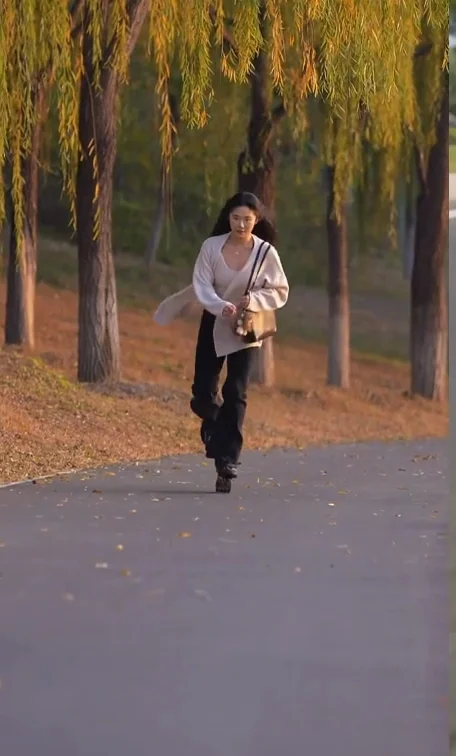
Skate move
A new character. The same rolling moment.
Explore scenePhoto animation
Your photo. A new performance.
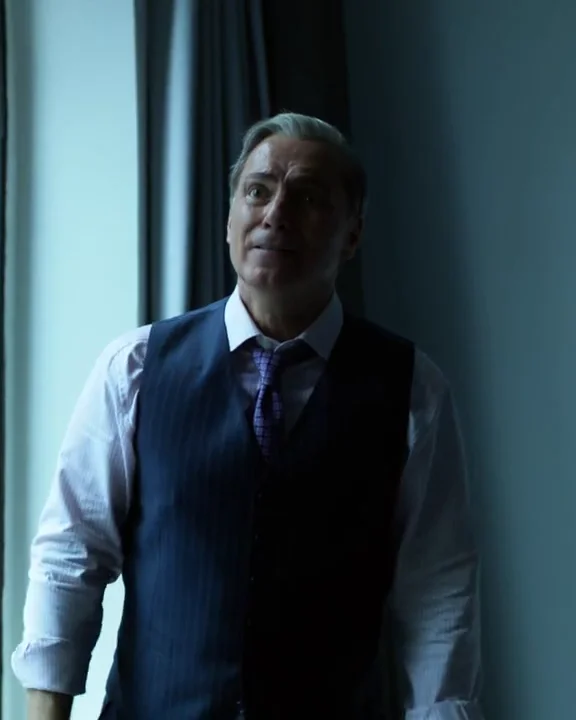
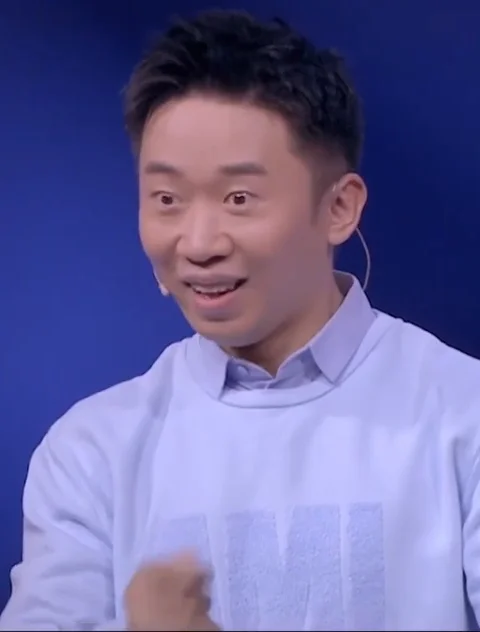
Animate a photo uses a person image as the visual starting point and a short video as the movement reference. Choose this tool when you want the photographed character and scene to drive the appearance, rather than replacing someone inside the reference video’s setting.
Early access. The preview is reference footage, not a generated result. Your photo supplies the person and background; the video supplies movement.
Your uploads and results stay in your private library.
Photo animation starts with the character and setting in your image and uses a video to guide movement. Character replacement starts with the video’s scene and replaces its main person. Choose based on which scene you want to keep.
No. This tool needs two uploads: one person photo and one motion reference video. The public preview is an illustrative reference; upload the performance you want to follow.
The photo supplies the starting appearance and background, while the video supplies the performance reference. There are no separate choreography, background-generation or music-composition controls in this workflow.
No. Uploading prepares your files and the credit quote. Review and confirm that quote before generation; the finished result is saved to your private library.